

Autocomplete
Autocomplete is a real-time search feature that dynamically suggests relevant results while the user is typing a query.
Autocomplete is injected into search input fields, providing real-time suggestions as the user types. Instead of waiting for a full search submission, results are updated instantly with every keystroke, significantly improving speed, relevance, and user experience.
Default behavior
- When the search input is not focused, an animated placeholder may display popular search queries
- This serves as a hint and encourages users to start searching
Modes
Open (no input)
When the search input is focused and empty, autocomplete displays:
- Popular queries
- Recent searches
- Recently viewed products
- Popular categories or brands
- Popular articles
Input (query entered)
When at least one character is typed, autocomplete displays:
- Suggested queries
- Recent searches
- Product results (prefix search)
- Category, brand, or articles results
Default Layouts
Autocomplete layout in the no-input mode varies depending on the device. Below are examples of typical layouts.
Mobile
On mobile devices, autocomplete usually expands into a full-width or full-screen overlay to maximize usability on smaller screens.
Content is simplified and optimized for touch interaction, with a stronger focus on readability and quick selection.
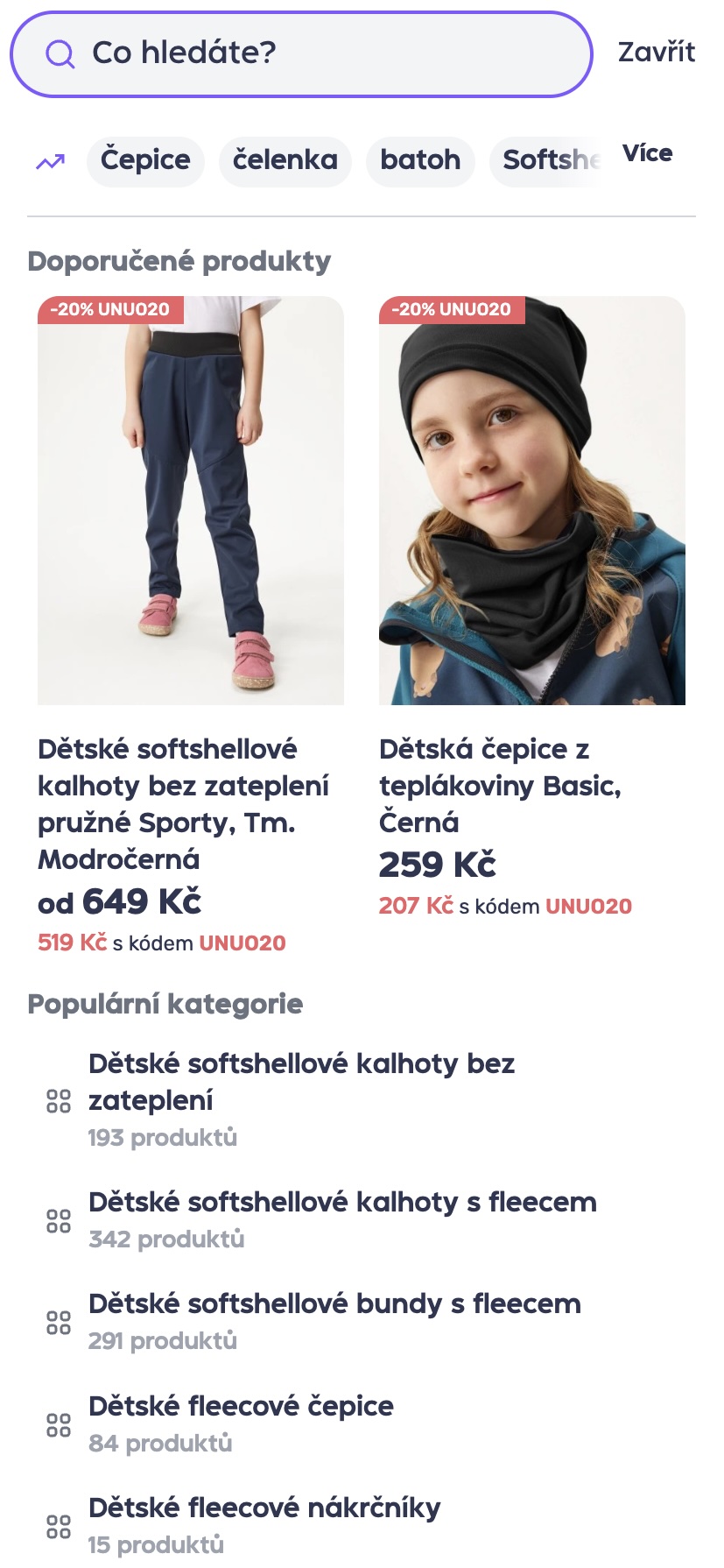
Phone
Desktop
On desktop devices, autocomplete appears as a dropdown below the search input.
The layout utilizes the available space to display more items and larger product previews, with multiple result types shown side by side.
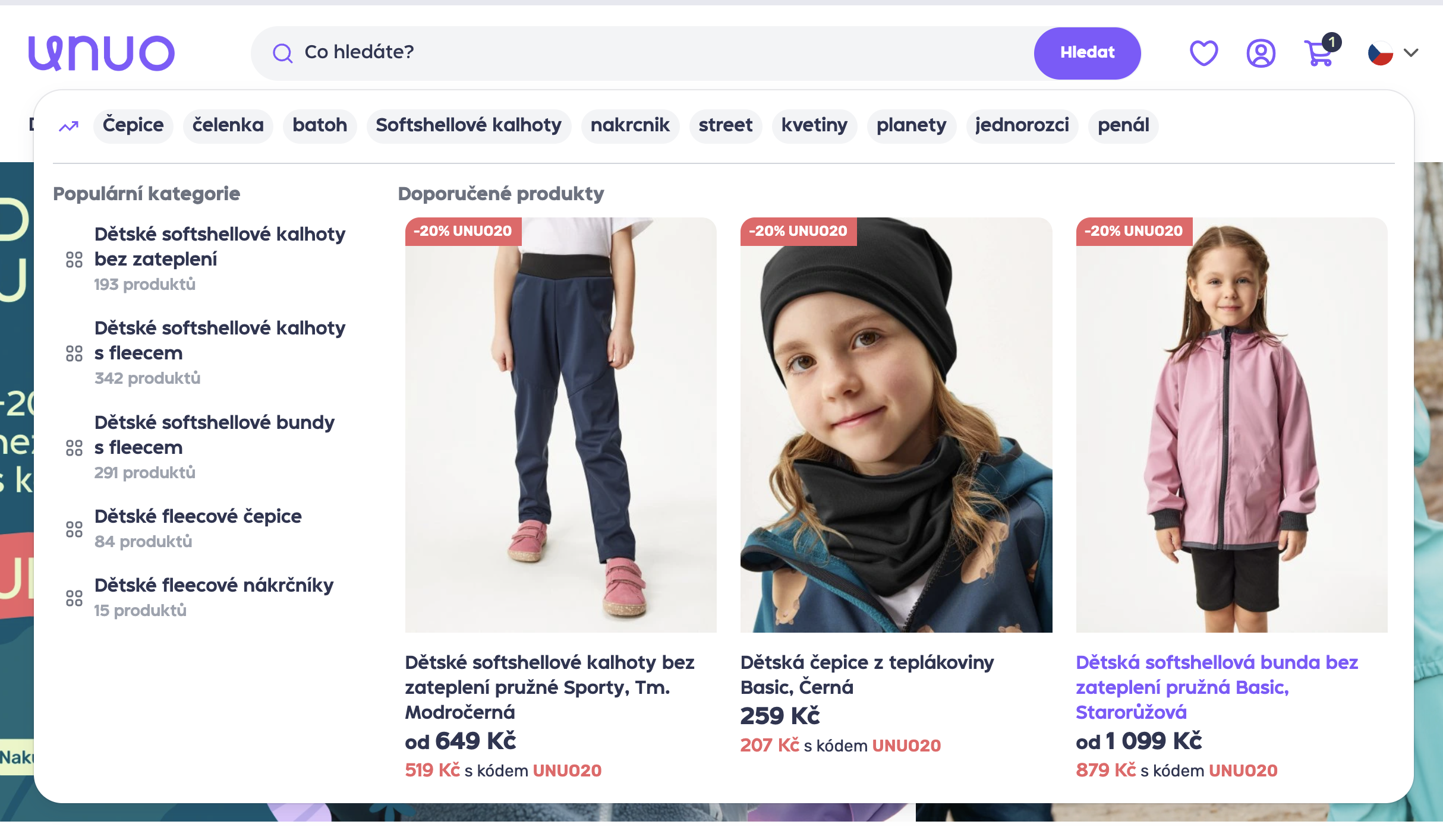
Desktop
Tablet
Tablet behavior is a hybrid between desktop and mobile. Layout and density are adjusted to the available screen size, while maintaining touch-friendly interactions.
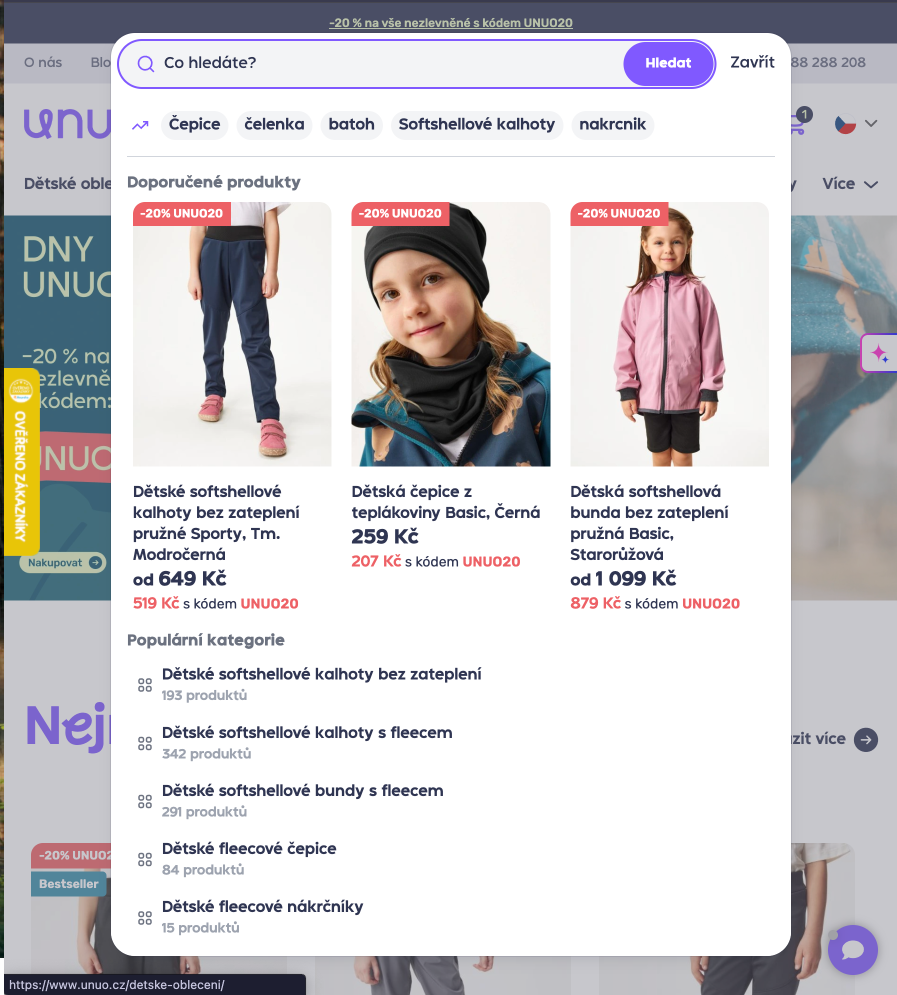
Tablet
Configuration
- Layout - Autocomplete layout can be configured, including the number of displayed products (number of rows and items per row).
- Result types - Search can include additional entities such as categories, brands, and popular search queries.
- Search input - The search input bar can contain static text only.
Updated 6 months ago