

Widgets
Default Setup
Homepage
- Personalized recommendations are displayed in a carousel layout on the homepage at the very top of the page (often after the primary banner).
- Last seen recommended products (products a user has seen before, including previous visits) are displayed in a carousel at the bottom of the page.
Product Detail
- Product alternatives are shown after the product in detail in a carousel.
- Personalized recommendations that other users like are located at the bottom of the page in a grid layout.
- The Last seen products are displayed in a carousel at the bottom of the page.
Pre-cart
- Personalized cross-sell and upsell recommendations are displayed in a carousel. This is often realized by a modal dialog or a separate page.
Cart
- Cross-sell recommendations in a carousel.
Success Page
- Personalized recommendations are shown in a grid.
Error Page
- Personalized recommendations are shown in a grid.
Recommendation Layouts
There are three types of recommendation widget layouts. Layouts are defined for several viewports. The following example shows Desktop and Mobile viewports.
Carousel
Desktop
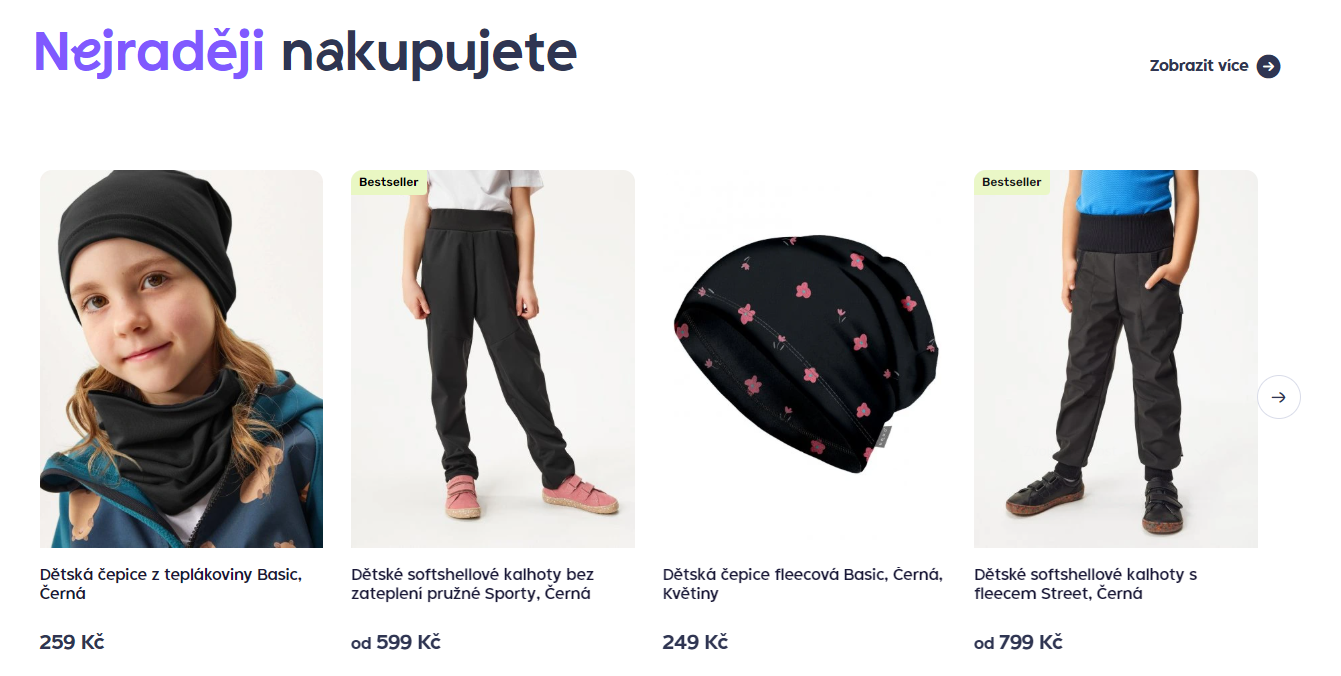
Desktop Carousel Viewport
Mobile
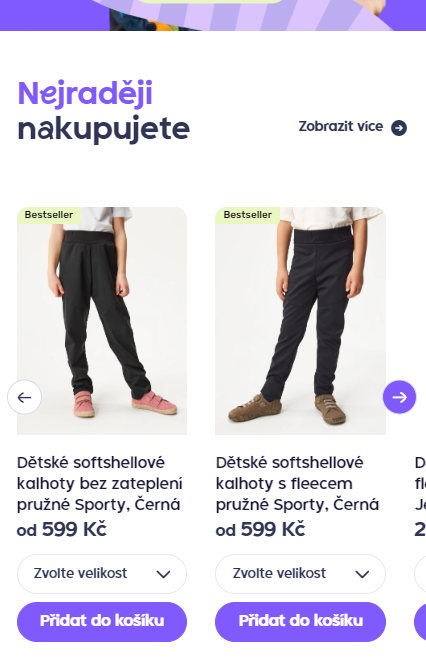
Carousel Mobile viewport
Carousel List
Displays multiple product carousels in a vertical list. Each carousel contains items belonging to a specific category.
Desktop
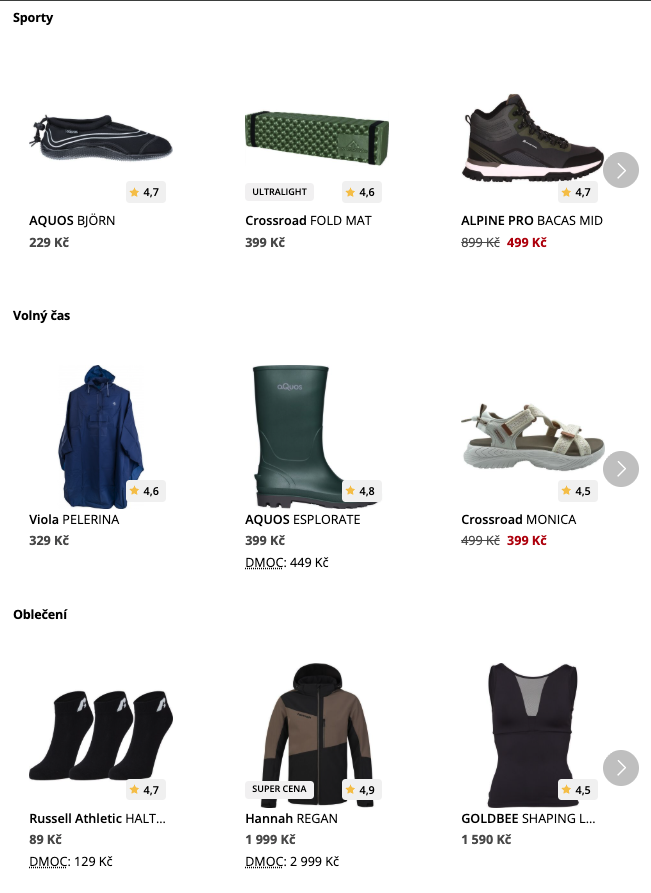
Desktop Version
Mobile
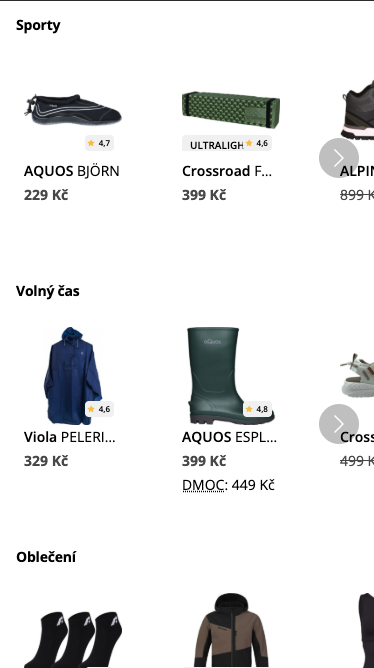
Mobile Version
Grid
The grid can be configured with a specific number of columns and rows per viewport. A show more button is also present to display more recommendations.
Mobile
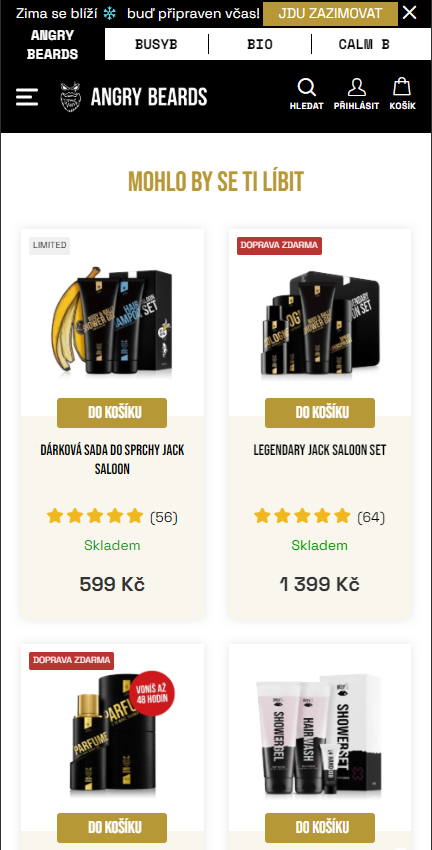
Grid mobile viewport
Desktop
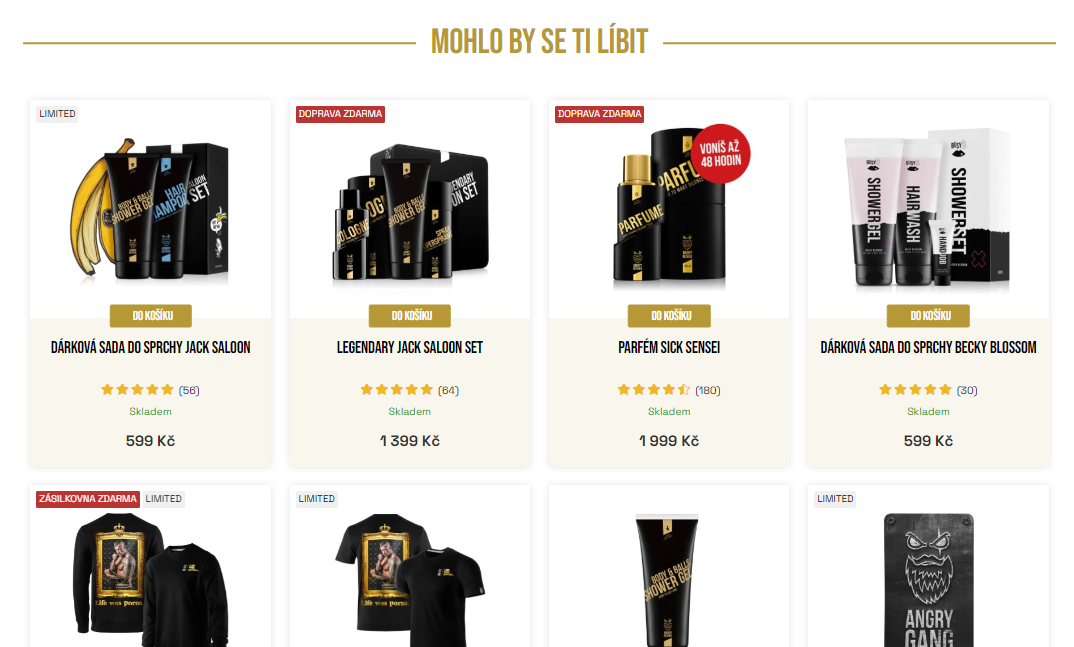
Grid Desktop viewport
Configuration
Design
Widgets ship with a Perselio default design. During onboarding, Perselio themes it to your site's look and feel through design tokens. The theme covers:
- Recommendation title
- Item card
- Fonts
- Primary/secondary colors
- Paddings
For changes beyond the theme, override the widget styles with your own CSS or see Custom Design.
Scenarios
Scenarios are trained recommendation models with the given configuration.
| scenario | description |
|---|---|
| recently_seen | Show recently seen items; also, items from previous visits are included. |
| personalized_similar_items | Content-based recommendation showing item alternatives. Signal/features can be customized for the given website. |
| recommended_for_you | Personalized recommendations based on other visitors' behavior. The principle of the collaborative filtering method is based on neural networks. |
| quick_picks | Showing cross-sell and upsell products based on history or recent behavior. |
| bundles | Looking for product bundles based on real visitors' behavior and that are reasonable for business. |
| pre_cart | Cross-sell items shown in the pop-up after a visitor adds an item to the cart. |
| homepage | Carousel for the homepage, where there is no item or category context. Personalized from the visitor's own recent history, falling back to items popular on the homepage for visitors with no history. |
| homepage_discover | Discovery carousel for the homepage. Surfaces items from the categories the visitor is likely to browse next, discounted items first. Works without any visitor history. |
Updated 9 days ago