

Floating Action Button and Conversation Window
Floating Action Button (FAB) is activated on the website. Animation starts, and when FAB is hovered, the color is changed.
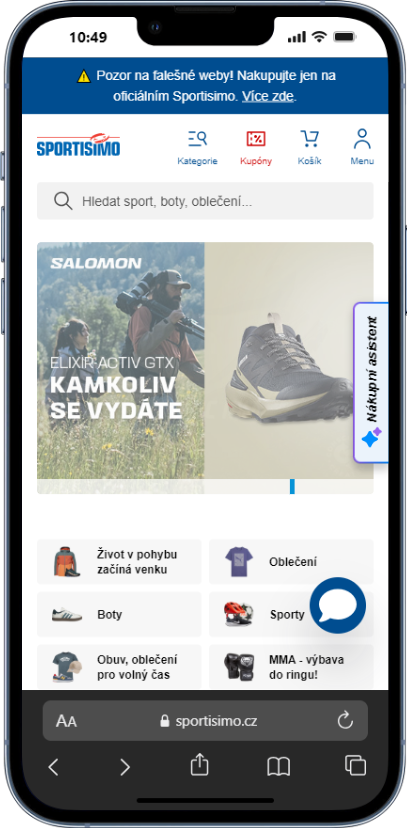
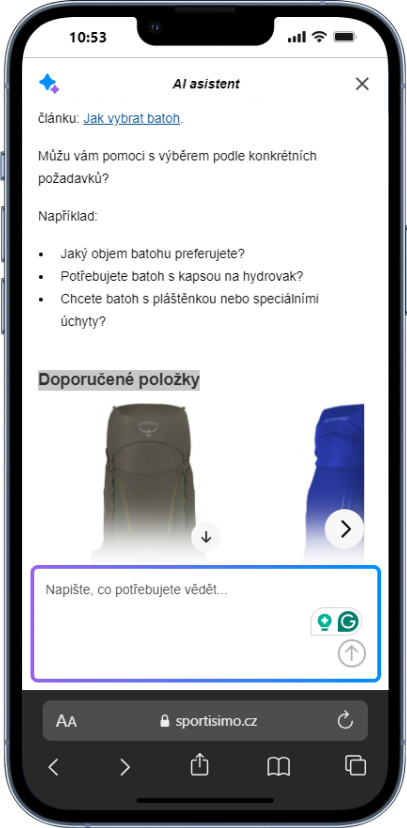
The conversation window is opened after interaction (on mobile in full screen).
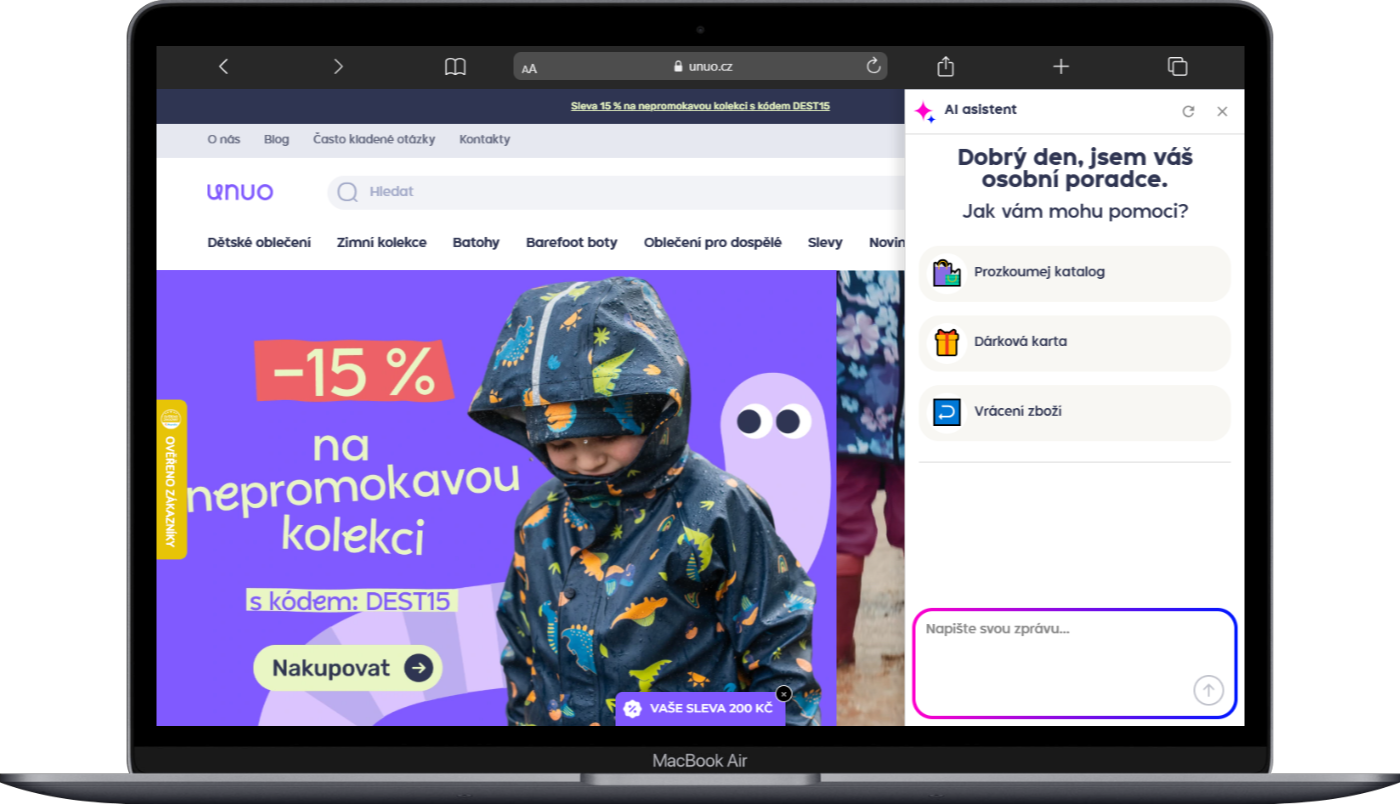
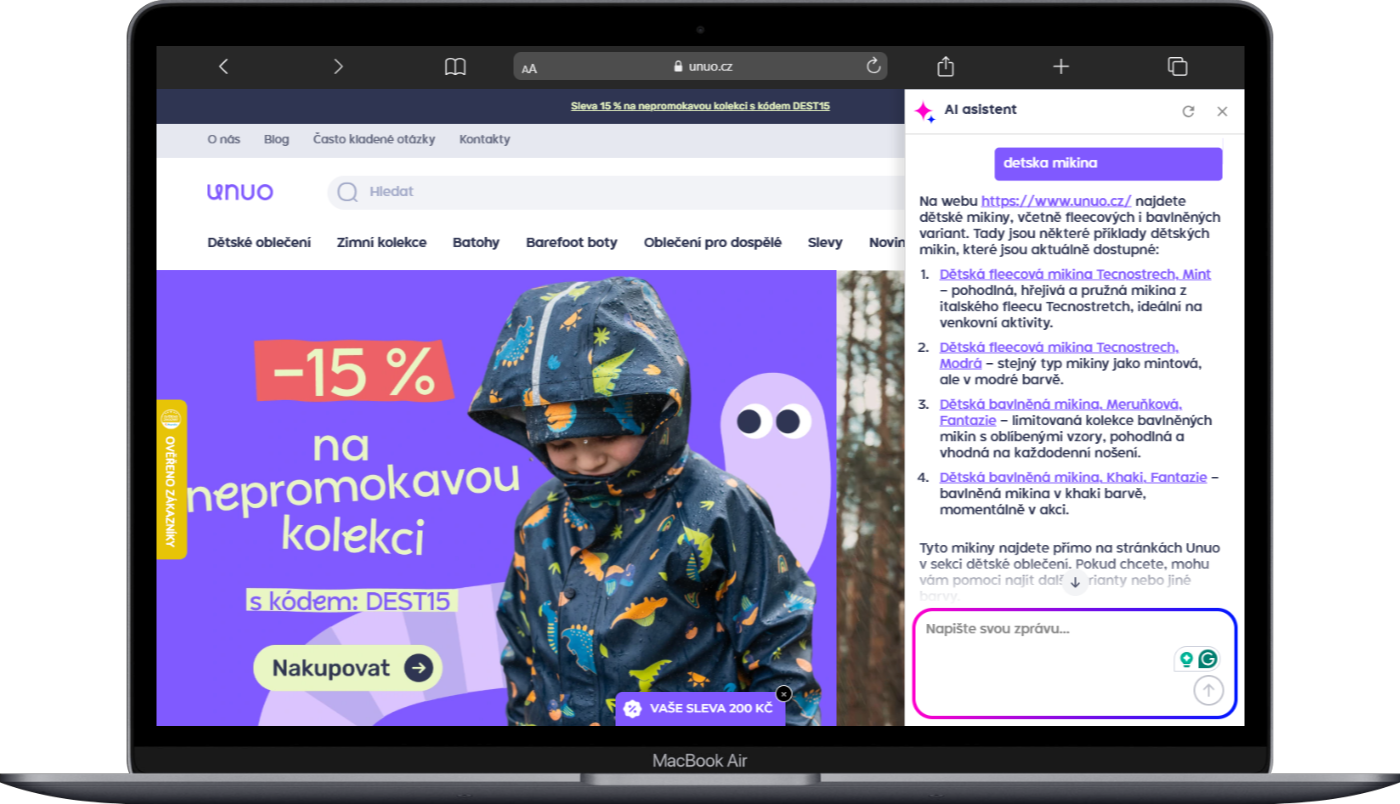
The desktop version opens a window on the left.
UI Configuration
UI Configuration allows you to set up the look & feel of the Assistant. There are a few elements like spacing, typography, animation, and opening, that can be configured.
General
- primary color
- font/typography
FAB
- placement
- FAB icon
Conversation Window
- conversation window width
- icebreakers icons, text
Touchpoint
- introductory text
- explicit button for opening the assistant
- colors
Updated 8 months ago
Did this page help you?